A course assistant for English-taught classes.
CourseHelper brings schedules, course details, lecture transcription, notes, targeted review, and AI Q&A into one focused study workspace.

BIO 140
Lecture 08, ready to review
Lecture recording
47 min transcript
Class note
Temperature affects enzyme activity because molecular motion and structural stability both change.
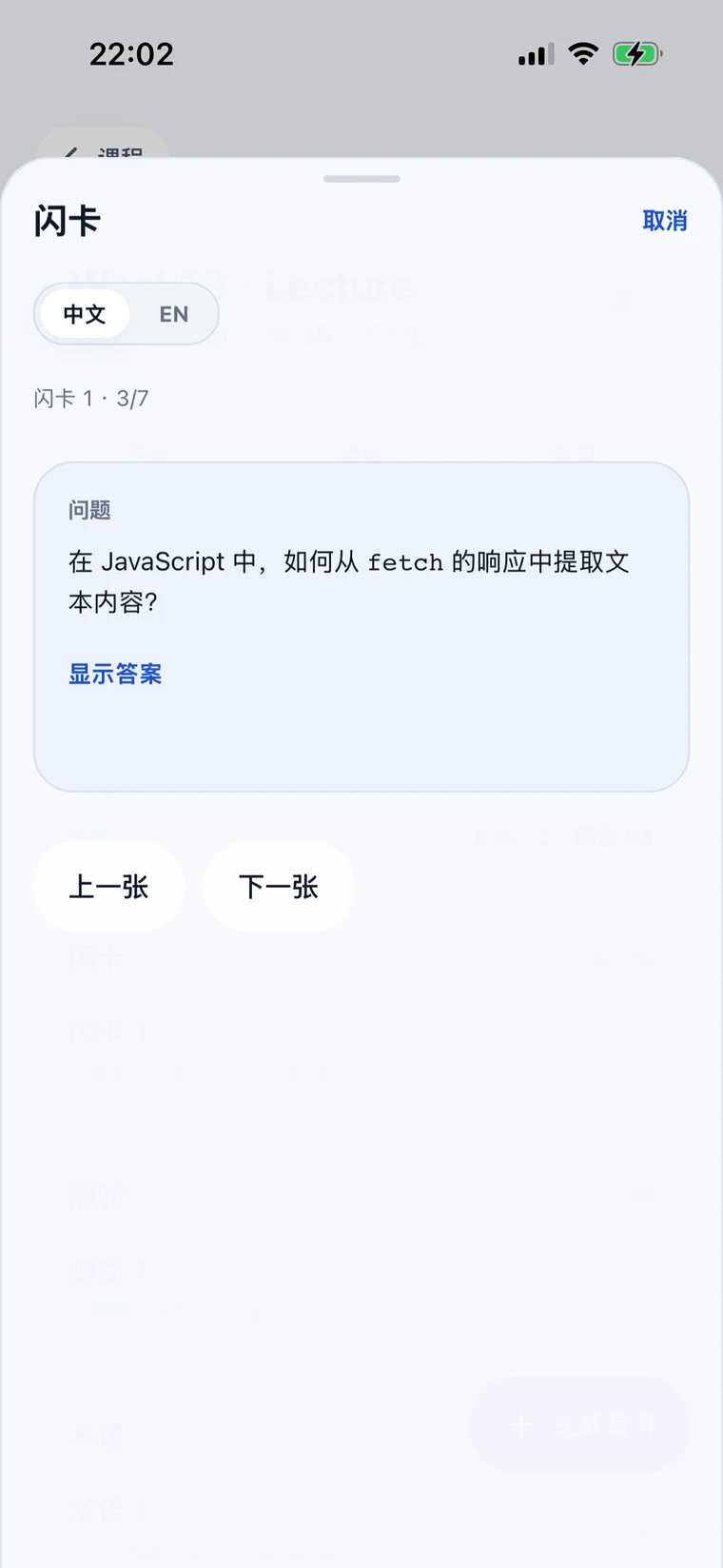
Flashcards
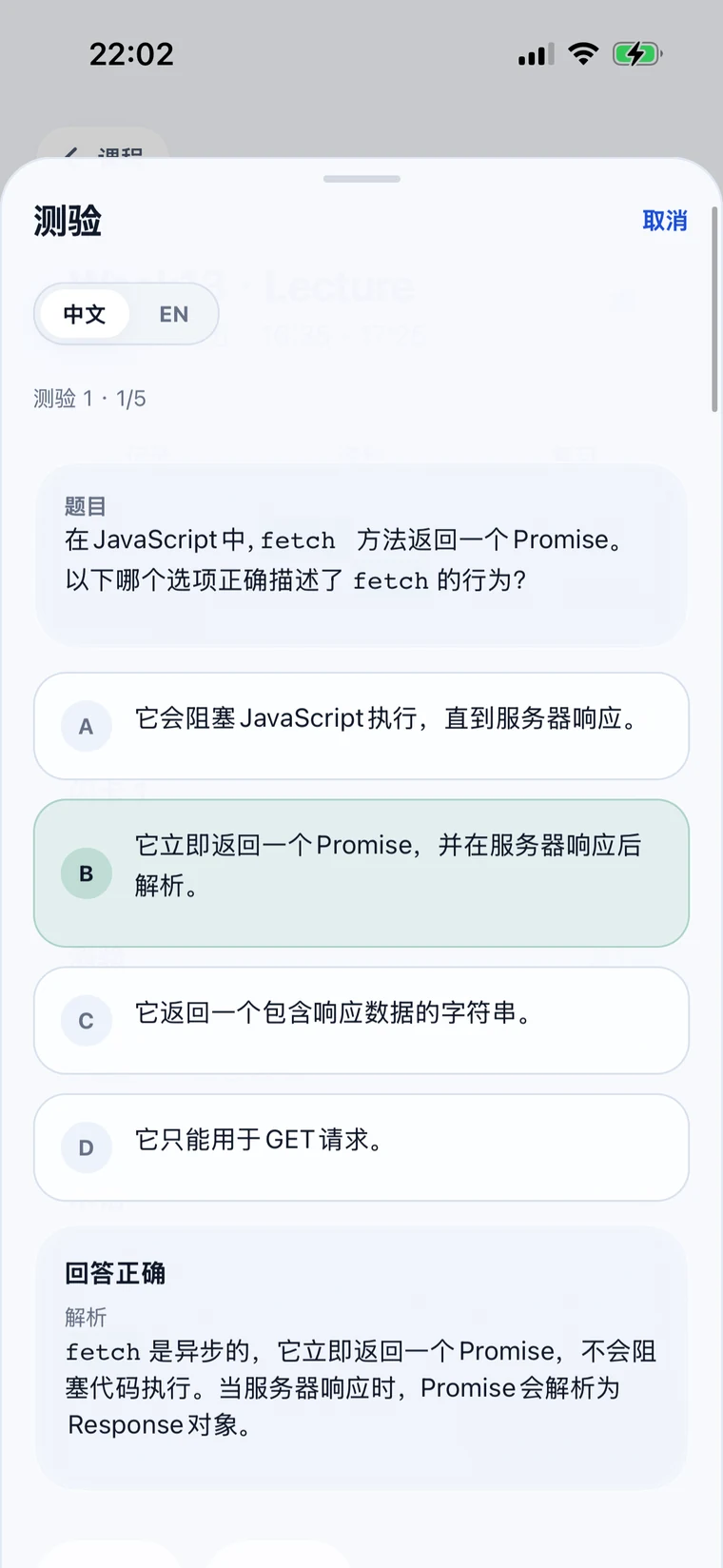
Quiz questions
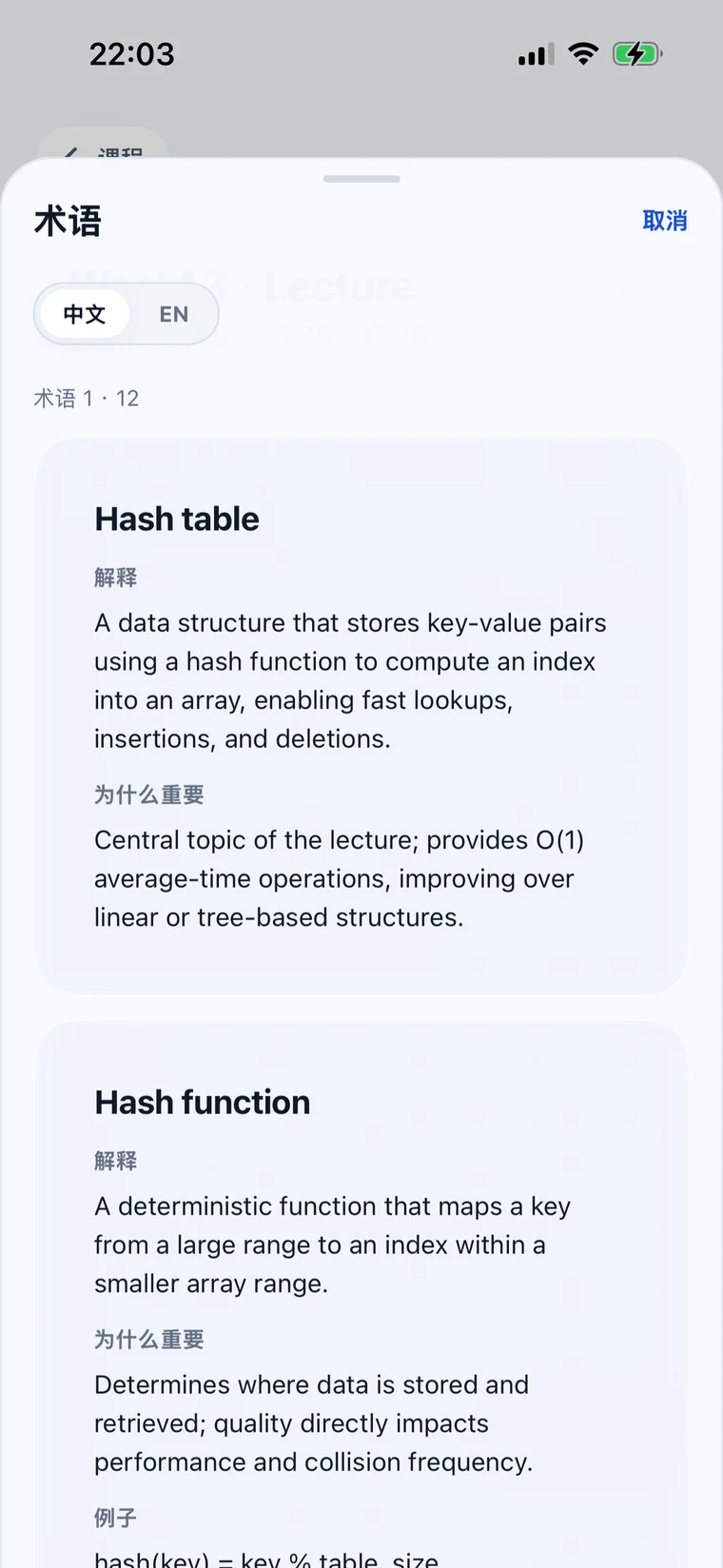
Key terms
Before class
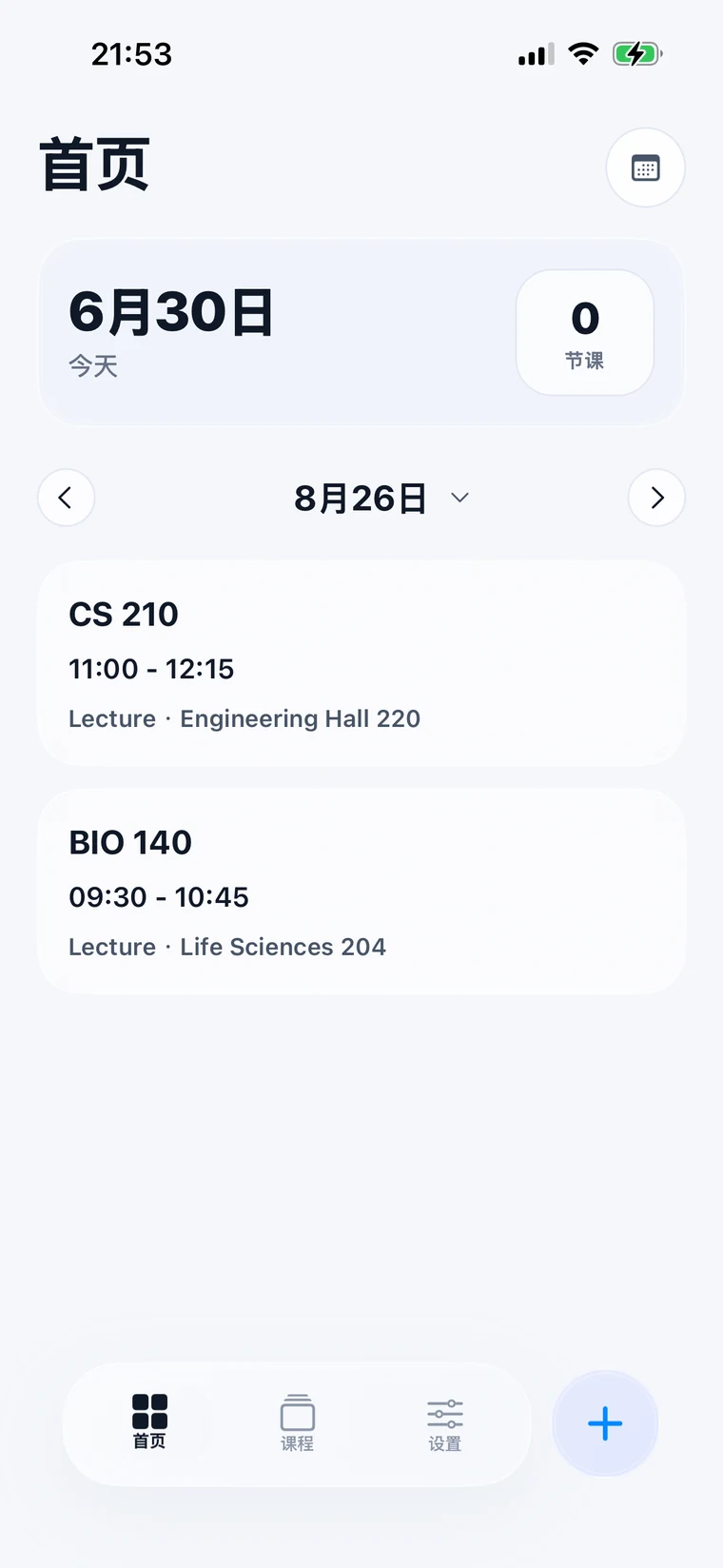
Start with today, not another dashboard.
Open the app to see the next class, the room, and the course you may need next. The deeper work stays inside each course.
09:30
Next class
BIO 140
Life Sciences 204
11:00
Later today
CS 210
Engineering Hall 220
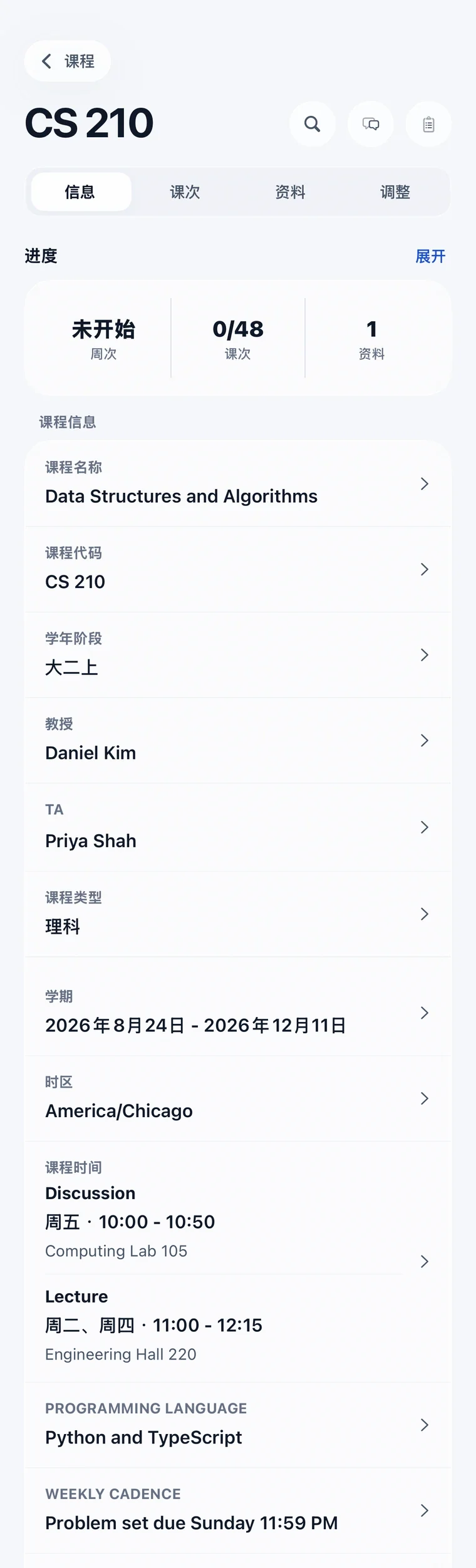
Course details
BIO 140
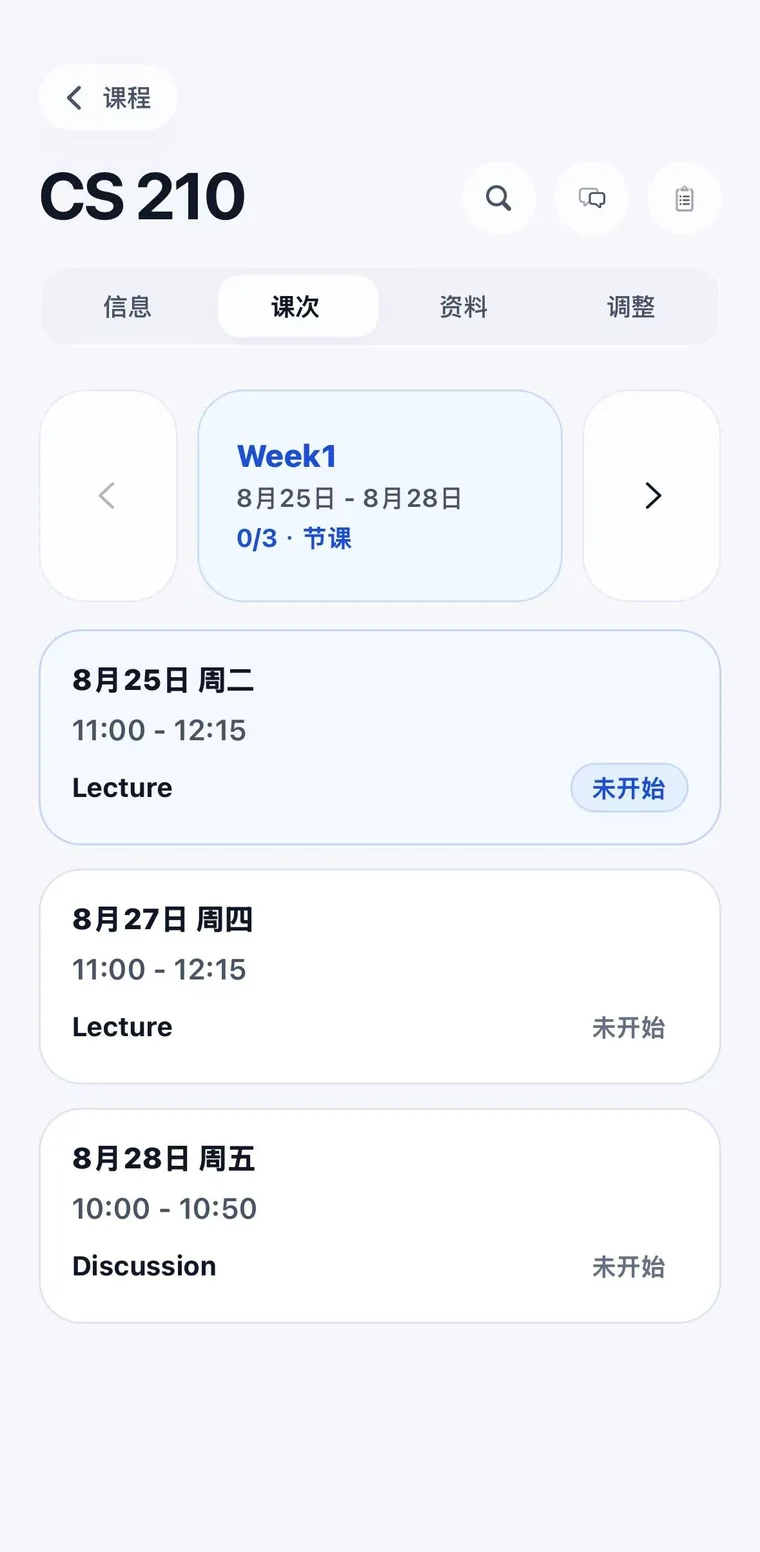
Schedule
Tue 09:30
Location
Life Sciences 204
Instructor
Dr. Chen
Class type
Lecture
01
The home screen shows each day's class schedule.
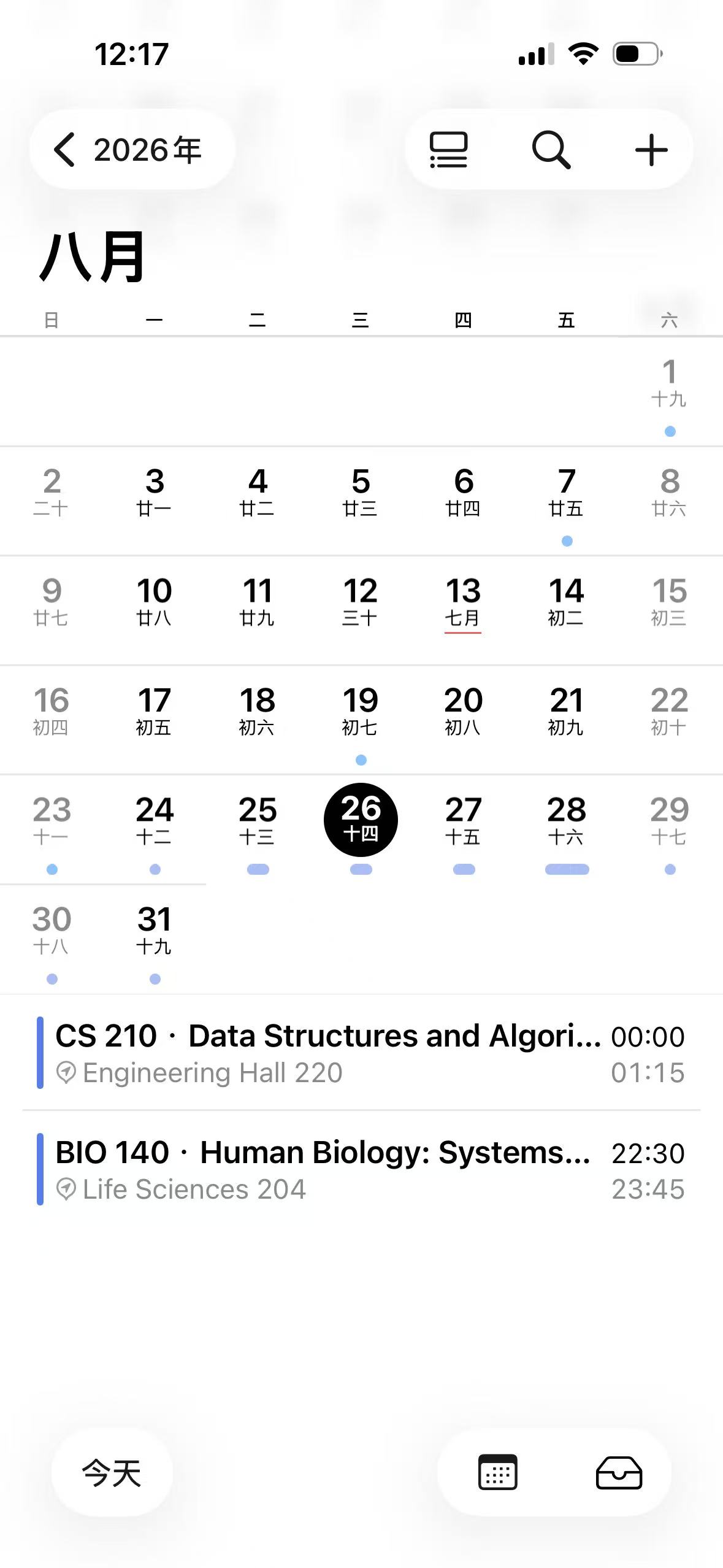
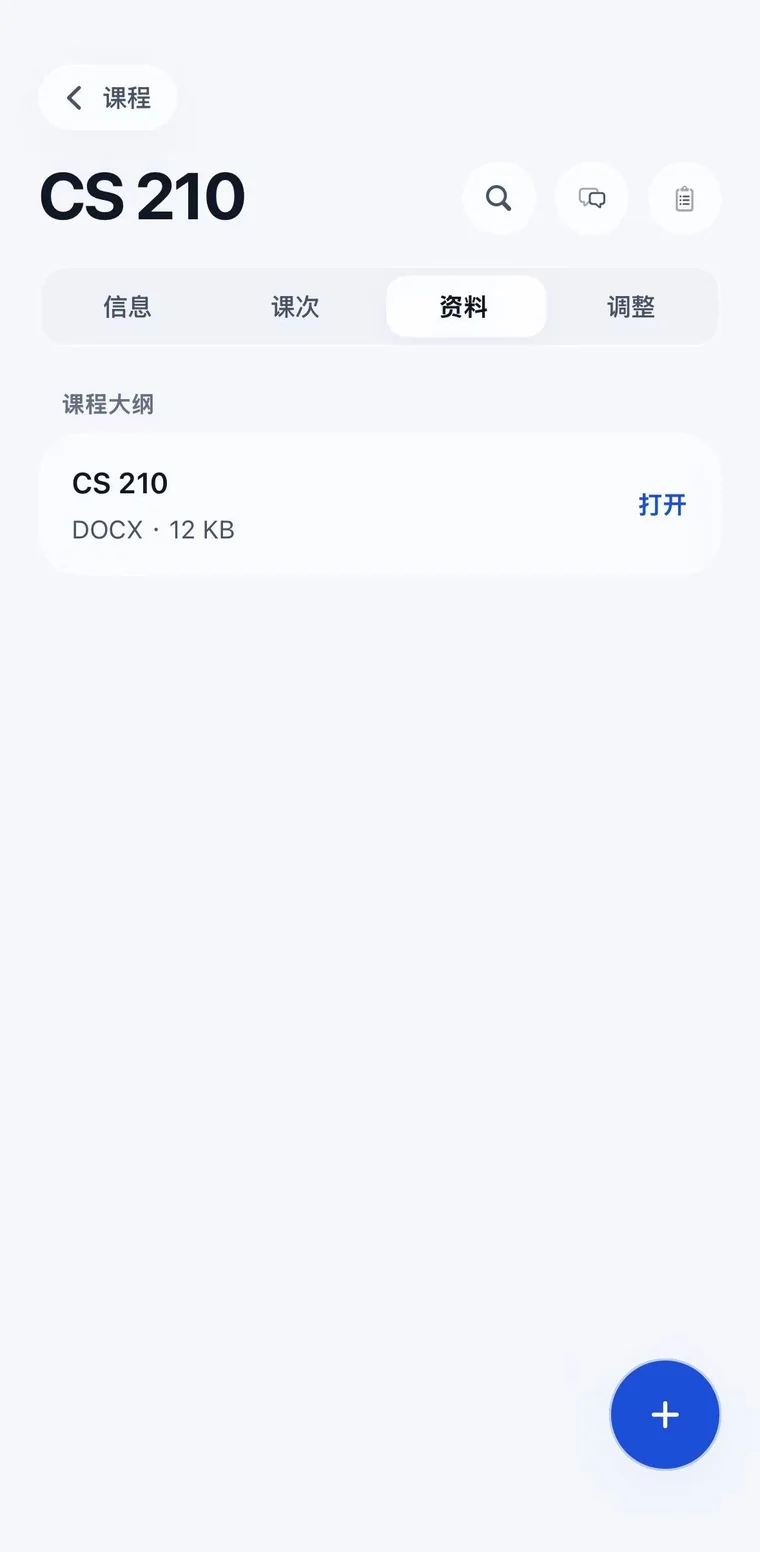
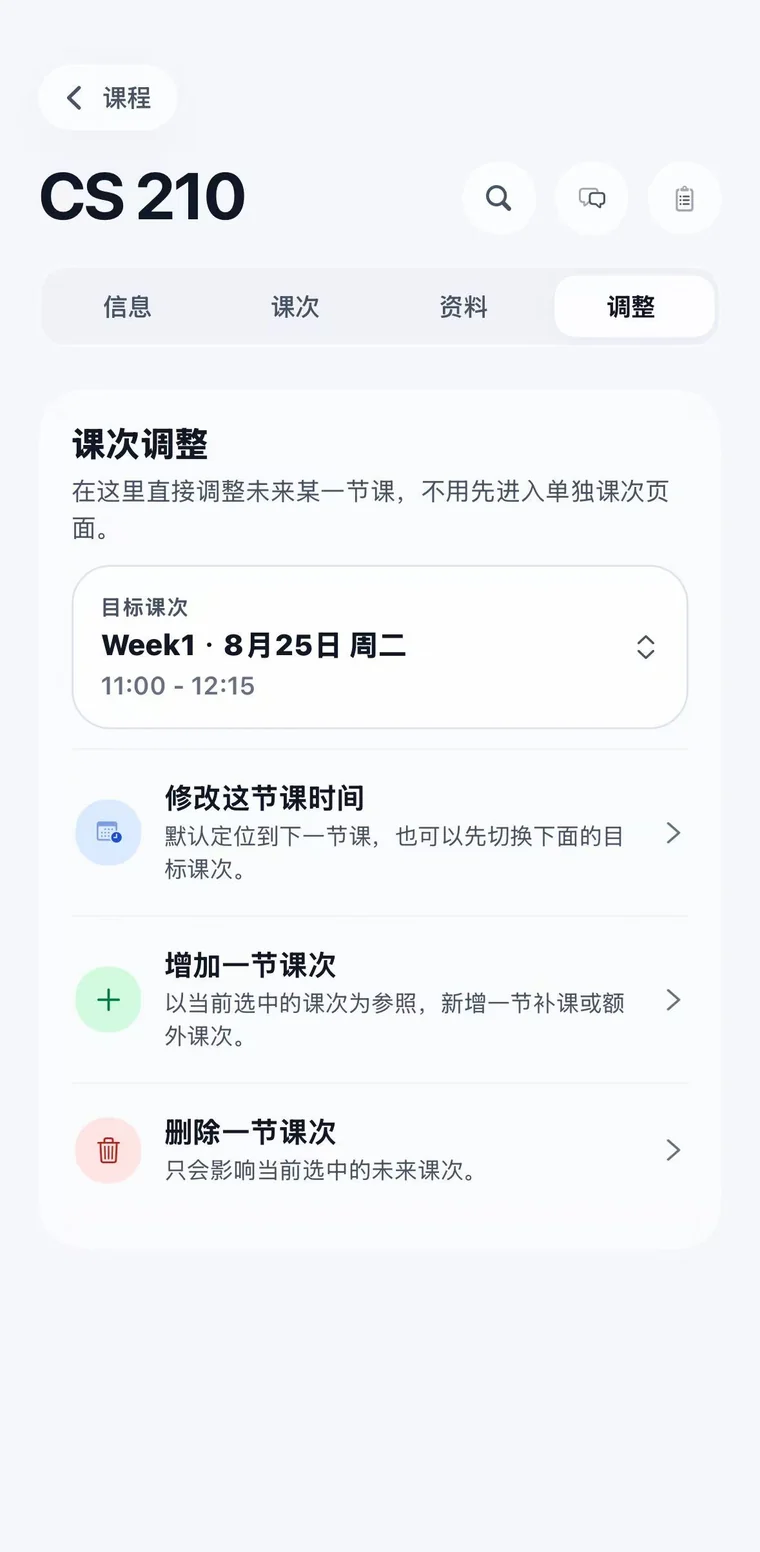
Tap the import button in the lower-right corner to create courses from a syllabus. Course times sync to the calendar.
Daily schedule
Import syllabus
Calendar sync
02
The course page shows the basics.
During class
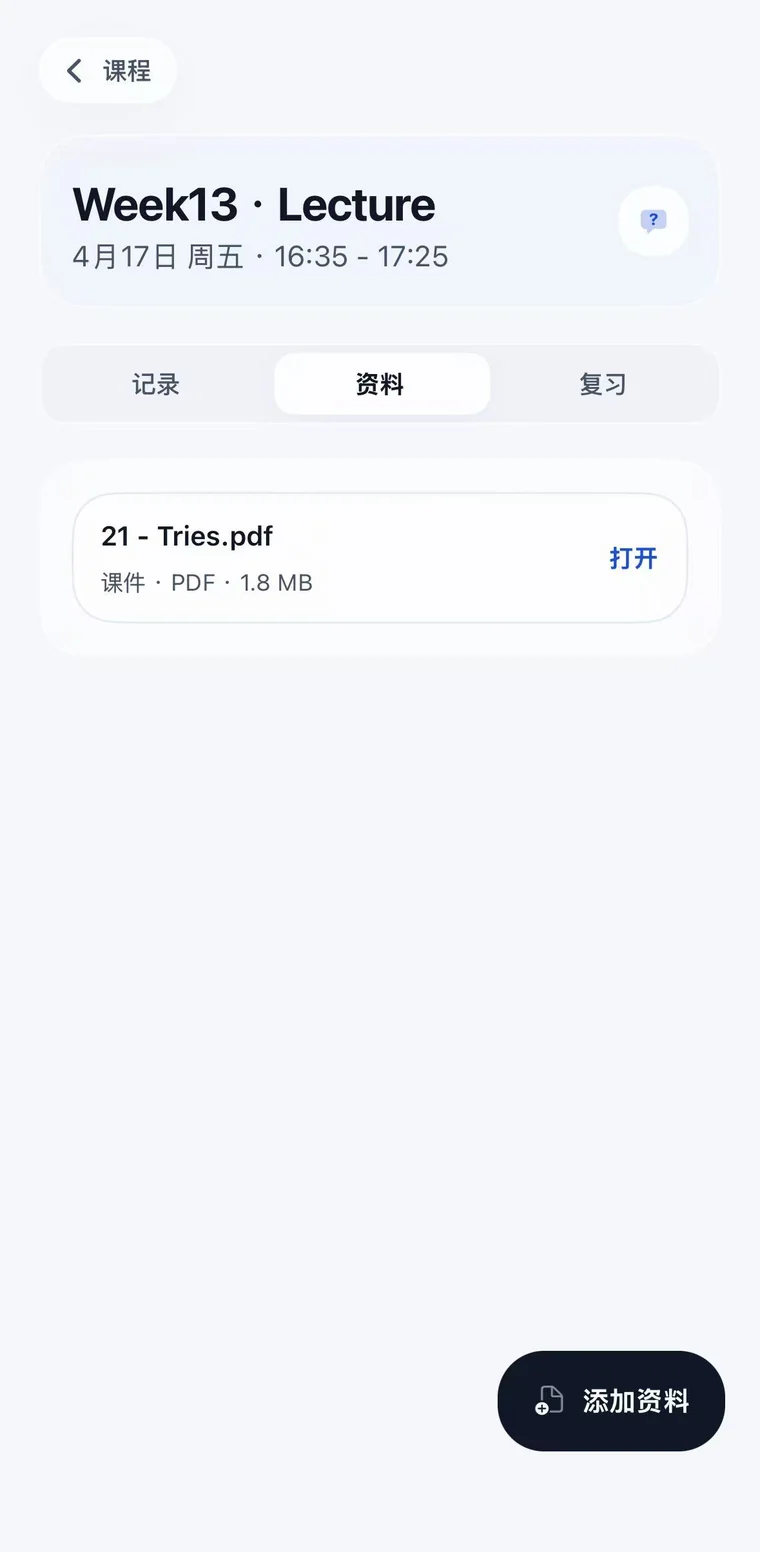
The class record stays with the lecture.
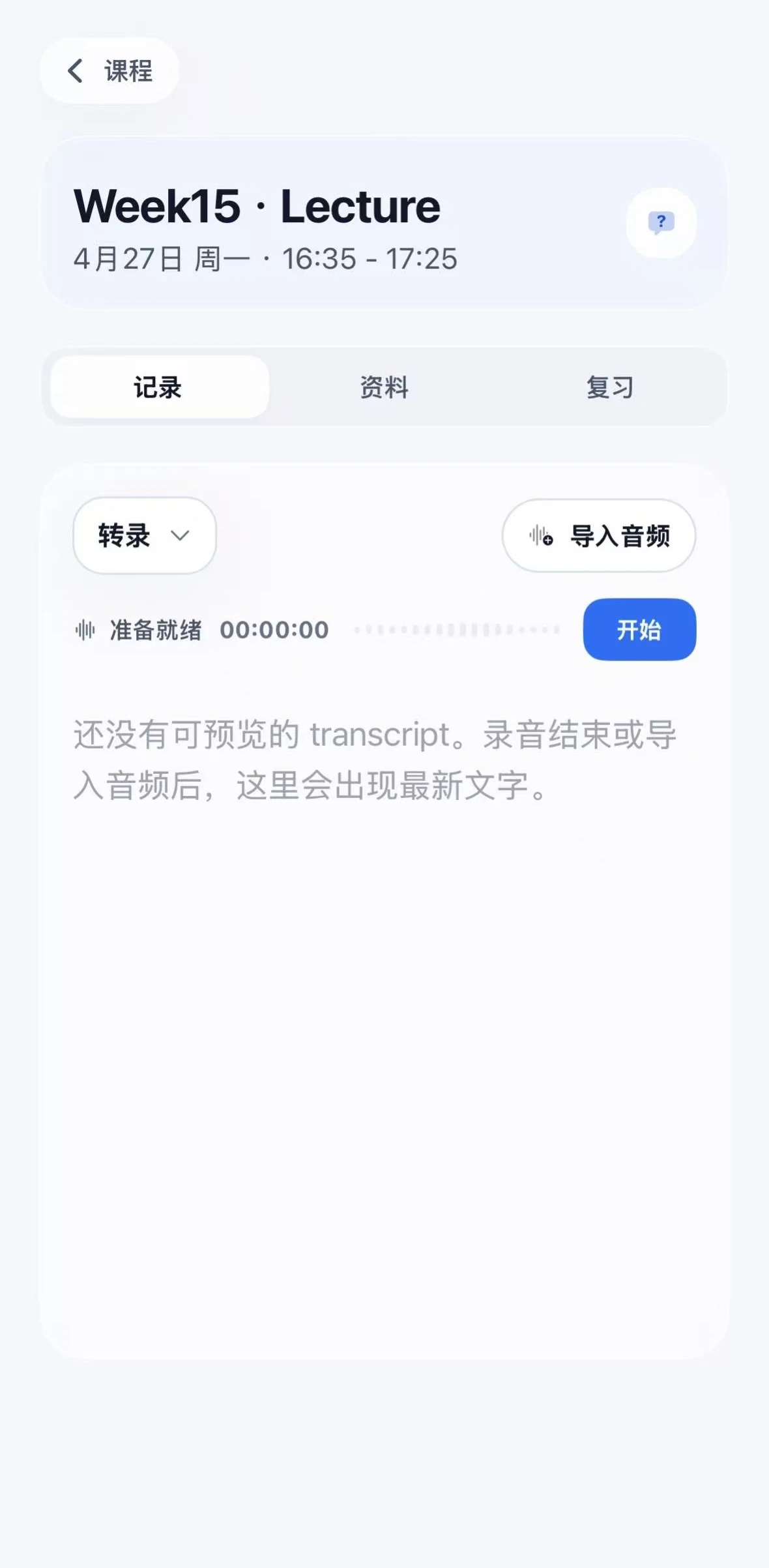
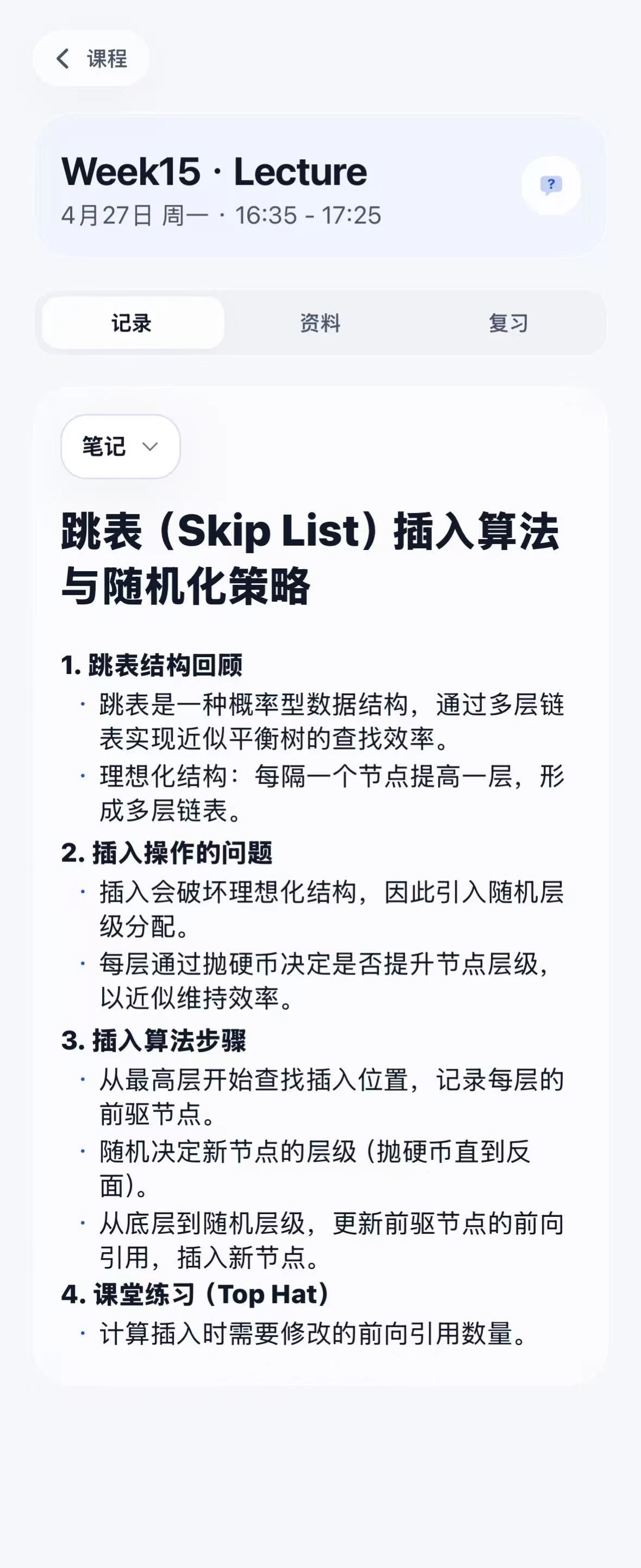
Record or import audio when your class allows it. The transcript, summary, notes, and files return to the same lecture.
BIO 140
Lecture 08
09:30 - 10:45 · Life Sciences 204
Class audio
Recording in this lecture
47:12
Class begins
Recording...
Stop recording, start transcription
Audio
Transcript
Summary
Files
01
The record tab handles class audio.
Record or import audio here. After class, the transcript, summary, notes, and files stay under this lecture.
After class
Ask and review from the class you just had.
After class, questions and review both start from the lecture record, not from another loose list.
BIO 140
Lecture 08
Transcript, notes, and review are ready
Class record
Ask or review from here
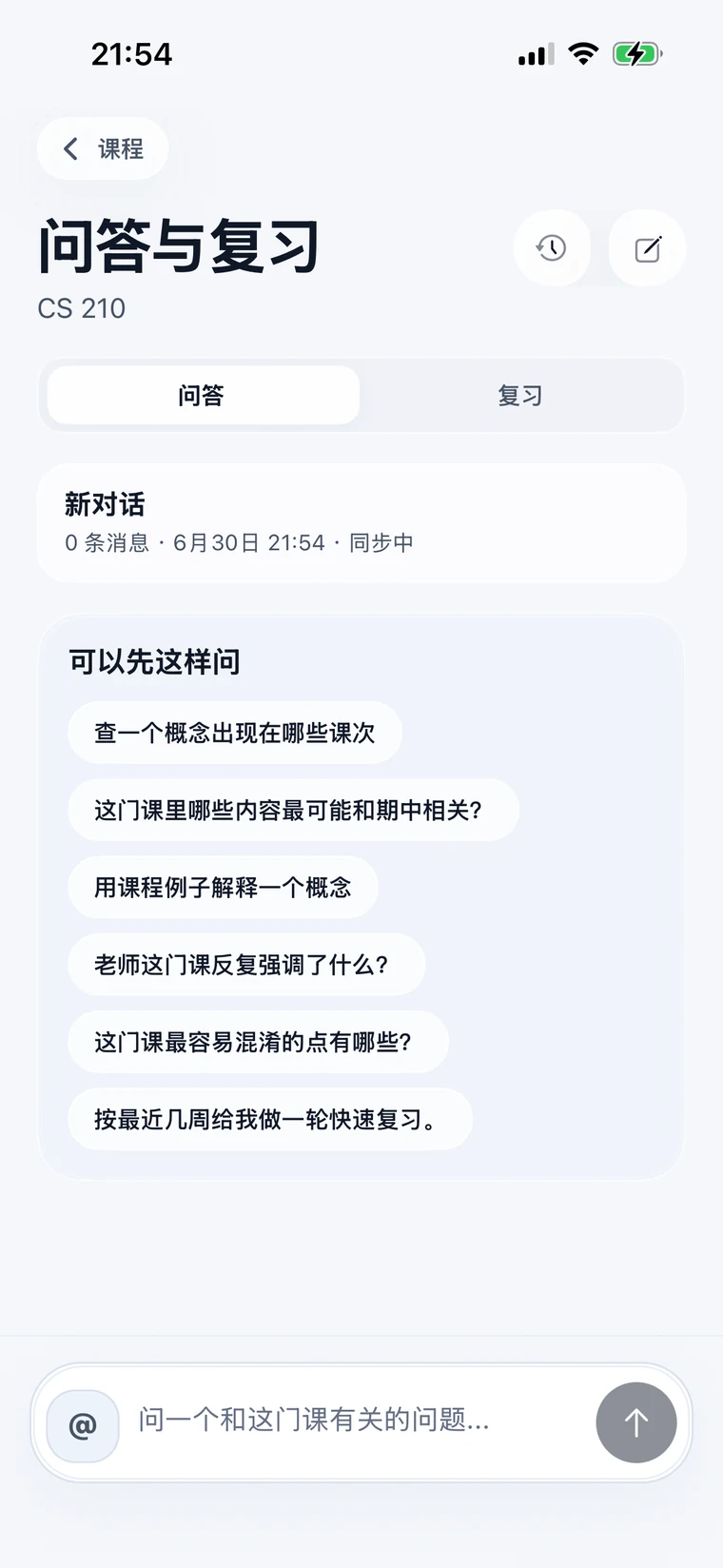
AI Q&A
Ask with context
Review
Flashcards, quizzes, terms
01
The AI Q&A page answers from this lecture.
Open Q&A from the lecture to ask about the transcript, notes, files, and review material already connected to it.
Lecture context
Course files
Review material
02
The review page turns the lecture into practice.
Review from flashcards, quizzes, and key terms generated from the same class record.
For the full semester
Plan, record, ask, and practice from the same class.
CourseHelper keeps each course's schedule, recordings, AI Q&A, and review practice together, so students can return to the right context later.
01Schedule
02Class records
03Ask & Practice